What to Do With a Drawer Full of Hospital Imaging CDs
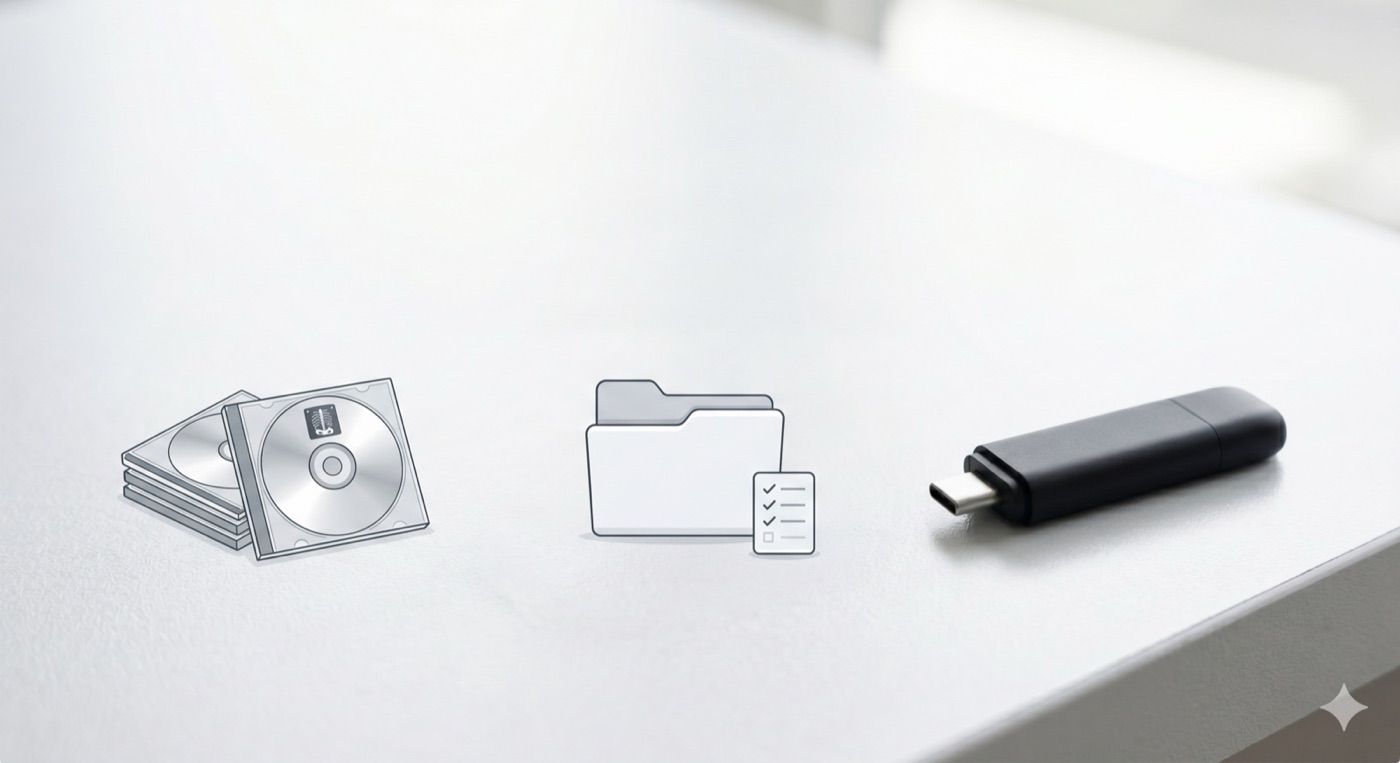
Open the drawer. You know the one. A stack of shiny discs in paper sleeves and cracked plastic cases. An MRI from one hospital. A CT scan from another. A few X-rays from a clinic across town. Some have a date scribbled on them in marker. Some have nothing at all.
You kept them because they matter. They are pictures of the inside of your body, gathered over years of appointments. But right now they are doing very little good in that drawer. If you have ever wondered what you are supposed to do with them, you are not alone. This post is for you.
Why the Drawer Is a Real Problem
Those discs feel permanent, but they are not. Here is what quietly goes wrong.
Discs wear out. CDs and DVDs are not built to last forever. They scratch when they slide around in a drawer, and the thin layer that holds your images can fade over time. A disc that worked five years ago may not open at all today. The day you need it most could be the day it fails.
Every disc has its own clunky viewer. Hospitals often burn a little viewer program right onto the disc. Each one looks different. Some only run on old versions of Windows. Many simply will not open on a newer computer. So even when the images are fine, you cannot see them.
Doctors cannot easily compare your scans over time. This is the big one. When you arrive with a pile of separate discs, a doctor cannot quickly line up last year's scan against this year's. Comparing studies is how they spot what changed. When images are scattered and hard to open, two things happen: they repeat scans you already had, which costs you money and time, or they miss a change because they never saw the older picture. Neither is good for your care.
The good news is that all three problems have the same simple fix: get your images out of the drawer and into one organized place you control.
Three Fixes That Actually Help
You do not need to be technical to do this. Here is the plan.
1. Consolidate everything into one place. Copy every disc onto your own computer so the images live in one folder, not ten scratched discs. Now nothing depends on a fragile piece of plastic.
2. Back it up. Once the images are on your computer, you have a copy that does not scratch. You can keep that copy safe and even make another. Your medical history stops being one drop away from gone.
3. Carry one USB to appointments. Instead of a stack of discs and their mismatched viewers, bring a single USB drive that holds all your studies in one standard format. A radiologist's system can read it and compare your scans side by side, the way they are meant to.
How MIA Toolkit Does All Three, for Free
MIA Toolkit is a free desktop app for Mac and Windows that handles exactly this. It does the three fixes above in three plain steps.
Copy. Put a disc in your computer and MIA Toolkit copies everything off it onto your machine. Do this for each disc. They all land in one organized place.
Review. The app builds a plain, readable list of every study it found, so you can see what you have at a glance instead of guessing from a marker scribble. No jargon, just an inventory you can understand.
Deliver. When you are ready, MIA Toolkit assembles everything into one standards-compliant archive on a USB drive. This is the universal format that hospital imaging systems and radiology viewers know how to open. You hand over one USB, and it just works.
That is it. Copy, Review, Deliver. The drawer becomes one folder and one USB stick you can carry to any appointment.
Your Privacy Stays Yours
This part matters, so here it is plainly. MIA Toolkit works offline. There is no account to create, no cloud, and no tracking. Your images and your information never leave your computer. The only time you need the internet is the one-time download to install the app. After that, everything happens on your own machine, in your own home.
MIA Toolkit is free, and it always will be. If it helps you and you ever want to support the project, that is welcome, but it is never required and never expected.
A Few Honest Words
MIA Toolkit helps you organize and deliver your own medical images. It does not read or interpret your scans, it is not a medical device, and it is not a substitute for a doctor or a radiologist reviewing your images. It comes with no warranty. The pictures are yours; the medical judgment belongs to the professionals who care for you. Think of MIA Toolkit as the way you get those pictures into their hands, clearly and reliably.
You Can Start Today
That drawer has been waiting a long time. Pulling everything into one safe place is one of the kindest things you can do for your future self and for whoever helps you at appointments. It takes the worry out of the next visit.
Download MIA Toolkit free. Questions? Write to support@miatools.tech.
FAQ
Do I need an internet connection to use it? Only once, to download and install the app. After that, MIA Toolkit works fully offline. Your images stay on your computer.
Will the USB it makes open at my doctor's office? Yes. MIA Toolkit builds one standards-compliant archive (a DICOMDIR) that radiology systems and image viewers are designed to read. You bring a single USB instead of a stack of discs.
Can it tell me what my scans mean? No. MIA Toolkit only copies, organizes, and delivers your images. It does not interpret them and it is not a medical device. Reading your scans is a job for your doctor or radiologist.
Is it really free? Yes, and it always will be. No account, no subscription, no hidden cost. Supporting the project is optional and entirely up to you.