The MIA Toolkit Blog
-
Where Your Support Goes (and Why This Tool Is Free)
MIA Toolkit is free and always will be — here's an honest look at what voluntary support actually pays for, and the cross-subsidy that keeps it open for everyone.
-
How to Put a Drawer of Hospital Imaging CDs Onto One USB for Your Doctor
A start-to-finish walkthrough of turning a drawer of hospital imaging CDs into one organized USB any radiologist can open — copy, review, add reports, deliver.
-
Is Your USB Drive Fake or Failing? How to Test It Before You Trust It With Your Scans
Cheap and counterfeit USB sticks fail silently — here's how to test a drive for speed and real capacity in minutes, before you trust it with your medical scans.
-
Helping an Aging Parent Organize Years of Medical Scans
A calm, non-technical plan for gathering a parent's scattered imaging CDs — even from another country — into one backed-up USB you can bring to any appointment.
-
Getting a Second Opinion? Bring Every Scan, Not Just the Latest
A second opinion is far stronger with your whole imaging history, not just the newest disc — here's why, and how to gather it all onto one USB you control.
-
DICOM, DICOMDIR, and PACS — Explained for Patients
DICOM, DICOMDIR, and PACS explained in plain language — so you'll see why a well-built USB just works at the radiologist's, and why a messy one sometimes doesn't.
-
How to Open a Hospital Imaging CD When There's No Viewer (or It Won't Open on a Mac)
Your hospital CD won't open? The images are almost certainly fine — here is how to look past the broken viewer and open your scans on a Mac or Windows PC.
-
How to Share Your Scans on One USB With Your Doctor or Radiologist
A plain-language walkthrough of putting all your imaging on a single USB a doctor can open — what belongs on it, how a radiologist reads it, and what to say.
-
The Best Free, Portable DICOM Viewers for Windows and Mac
Free DICOM viewers for Windows and Mac compared — plus a simple trick for putting a portable viewer on the same USB so anyone can open your scans with zero setup.
-
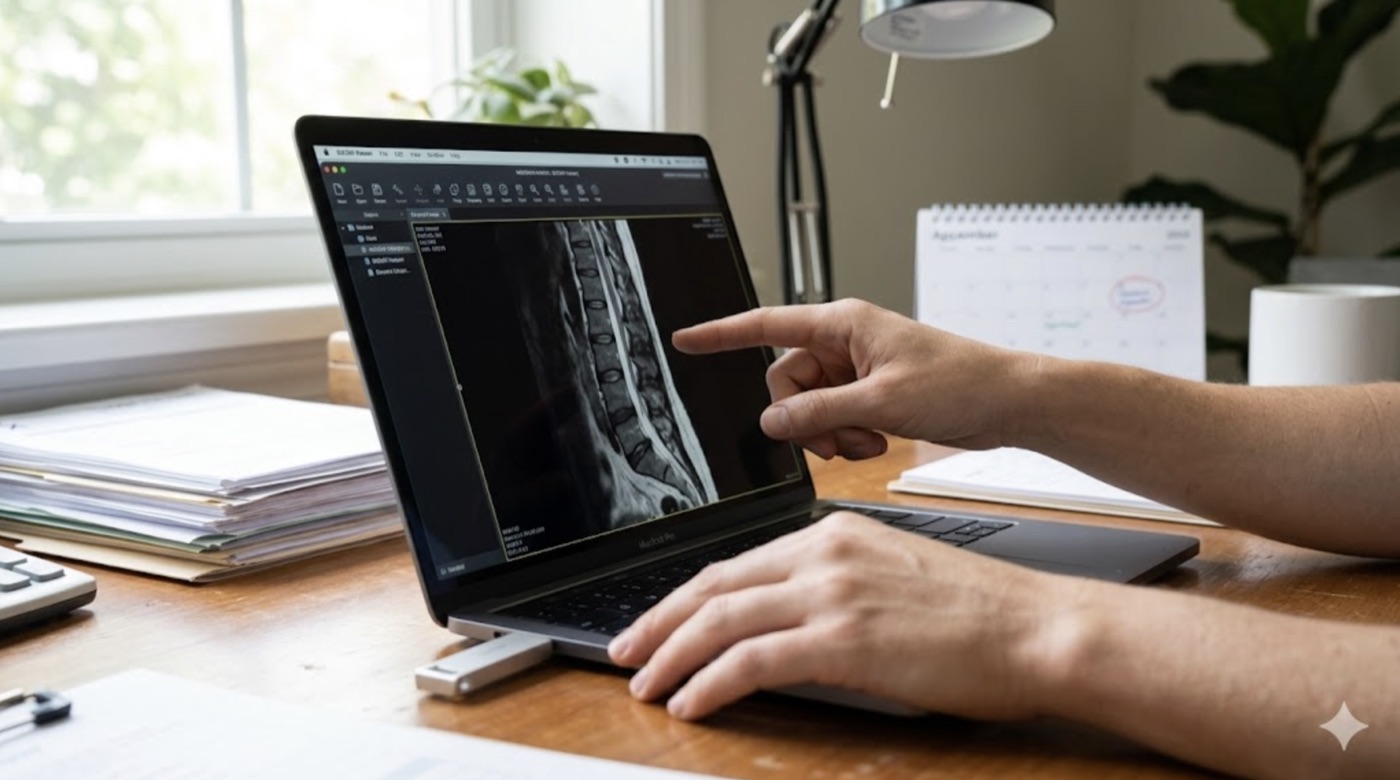
Your Scans Are on the USB — Now What?
A few calm minutes now make a USB of scans open for anyone — verify the copy, test it yourself, and put a free portable DICOM viewer on the drive.
-
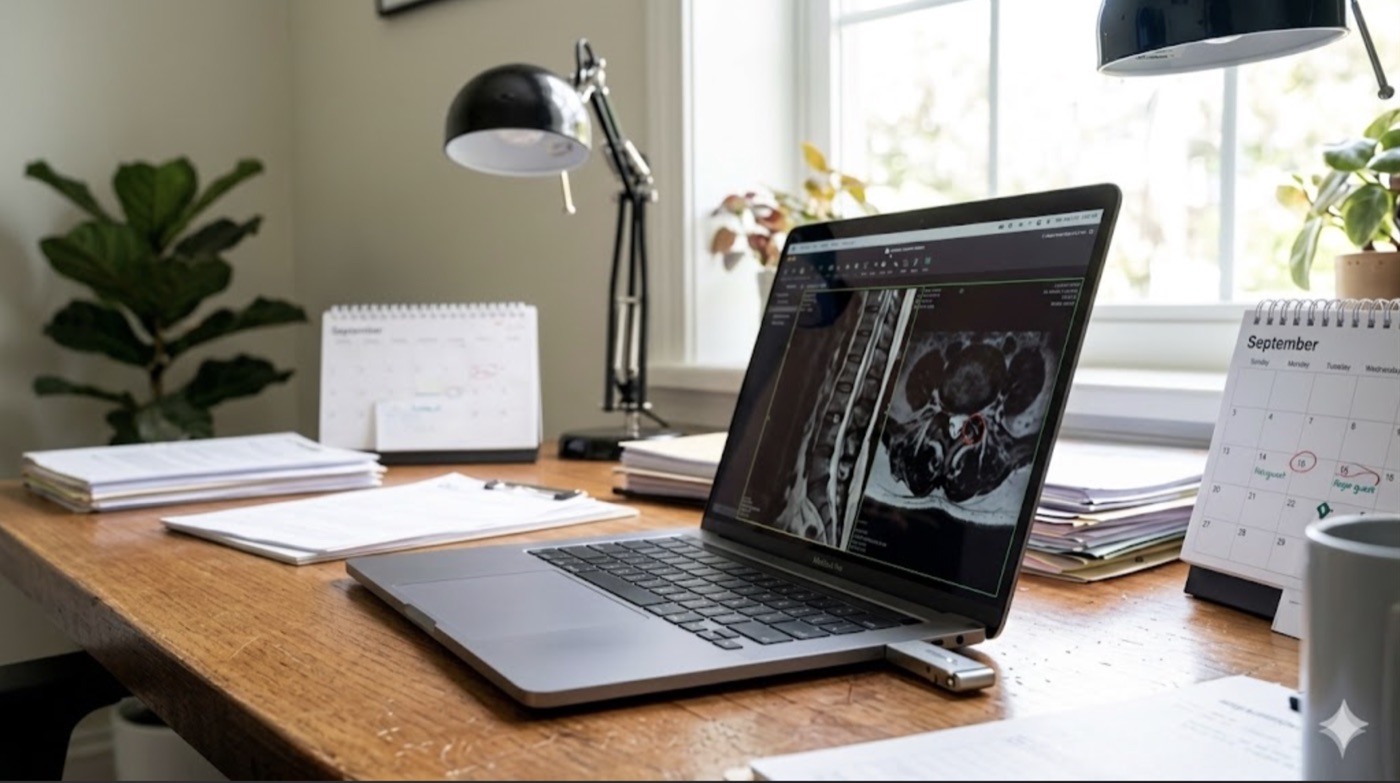
How to Format a USB Drive So Any Doctor Can Open Your Medical Images
The format you choose decides whether a clinic's computer can read your drive — here is why FAT32 (or exFAT for large archives) is the safe pick, and how to set it.
-
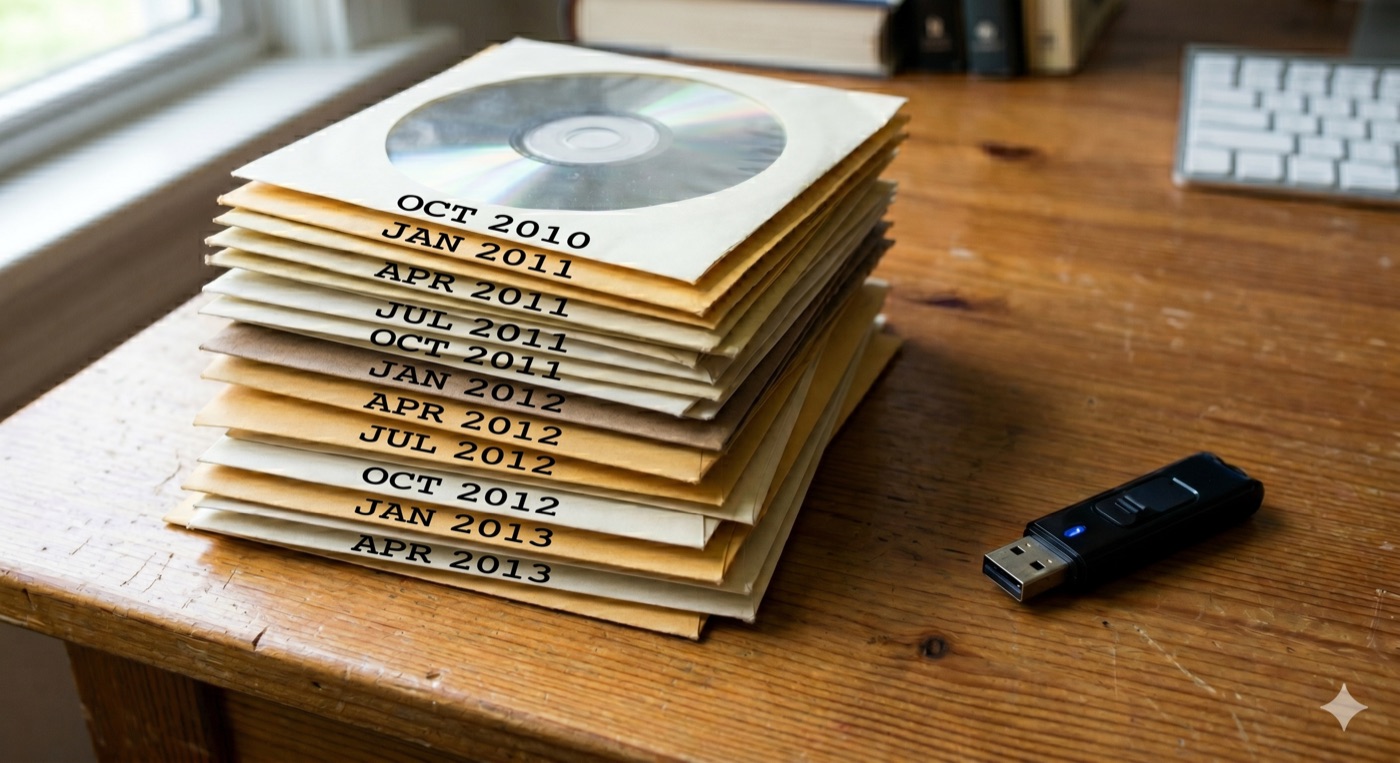
The Hospital Gave You a USB (or a ZIP Download)?
Scans no longer arrive only on discs — here is how to add a clinic USB stick or a patient-portal ZIP to the same organized archive, in about two minutes.
-
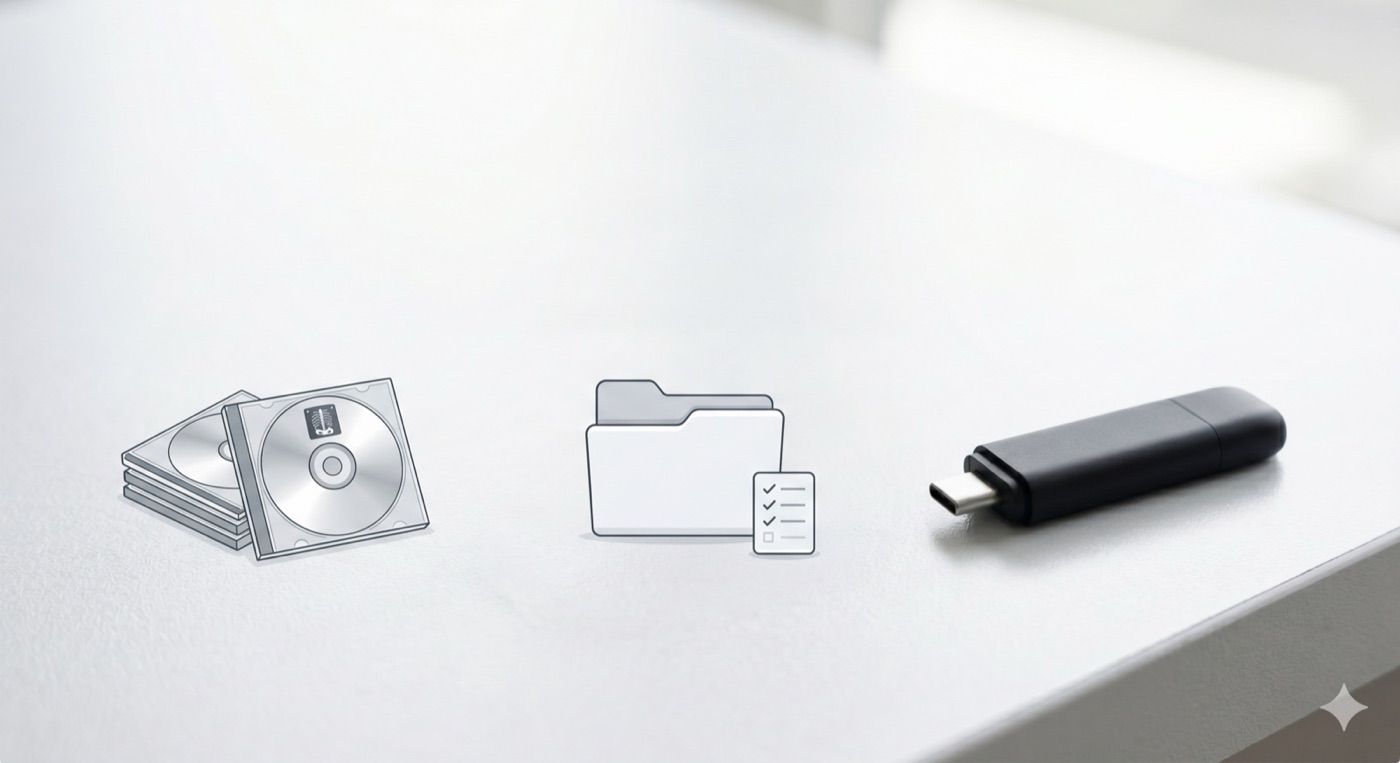
What to Do With a Drawer Full of Hospital Imaging CDs
A drawer of old MRI and CT scan discs is doing you no good — here is how to consolidate, back up, and carry your images on one USB any doctor can open.
-
Your Medical Images Belong to You
You have a right to your own scans — here is how to request them in DICOM, keep a backup, and bring every study together so any doctor can open them.
-
MIA Toolkit v0.1.0 → v0.1.5
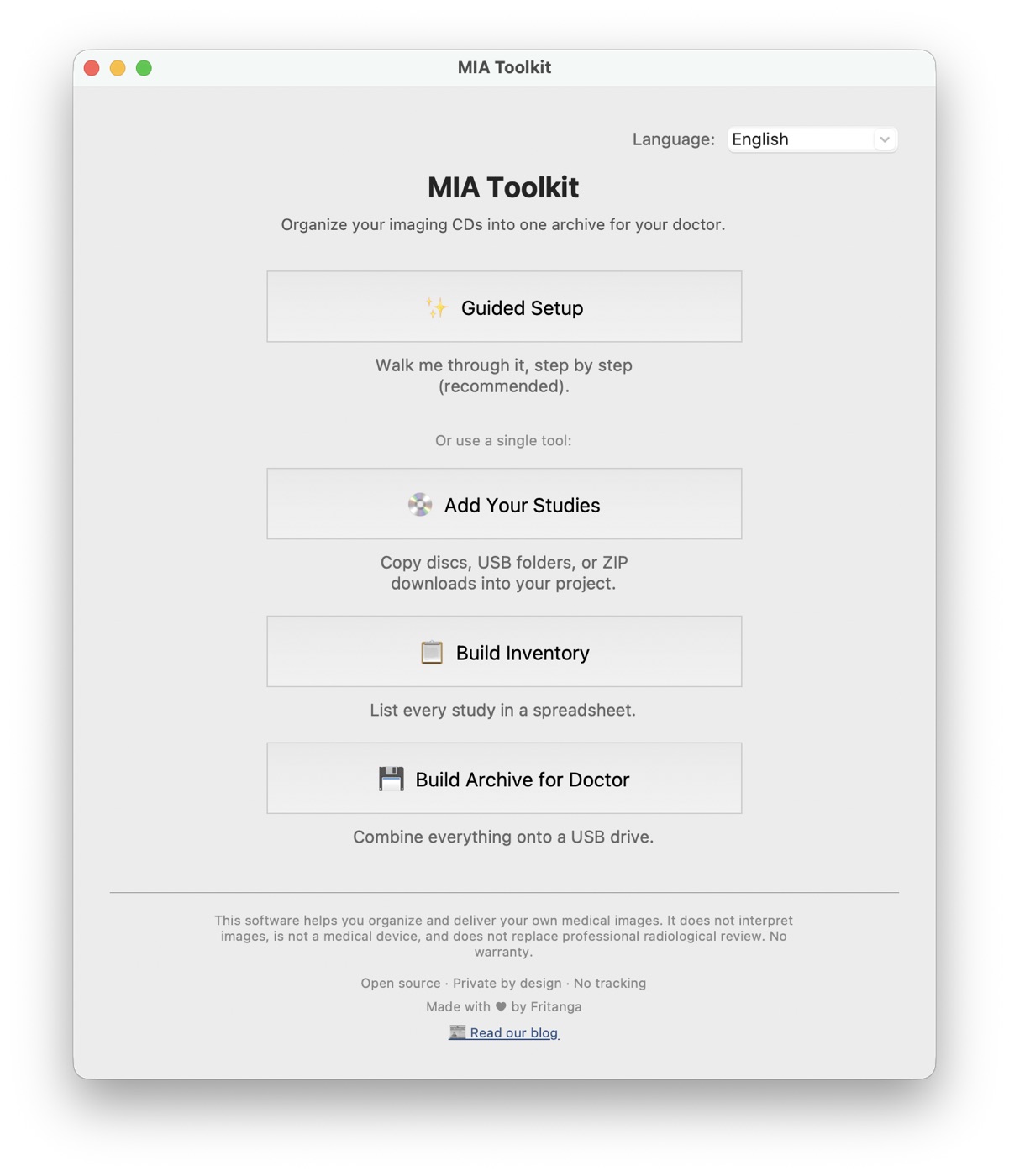
From rip-your-CDs to six languages, USB/ZIP import, and a notarized Mac app — everything six releases have added, still as free as day one.