Your Medical Images Belong to You
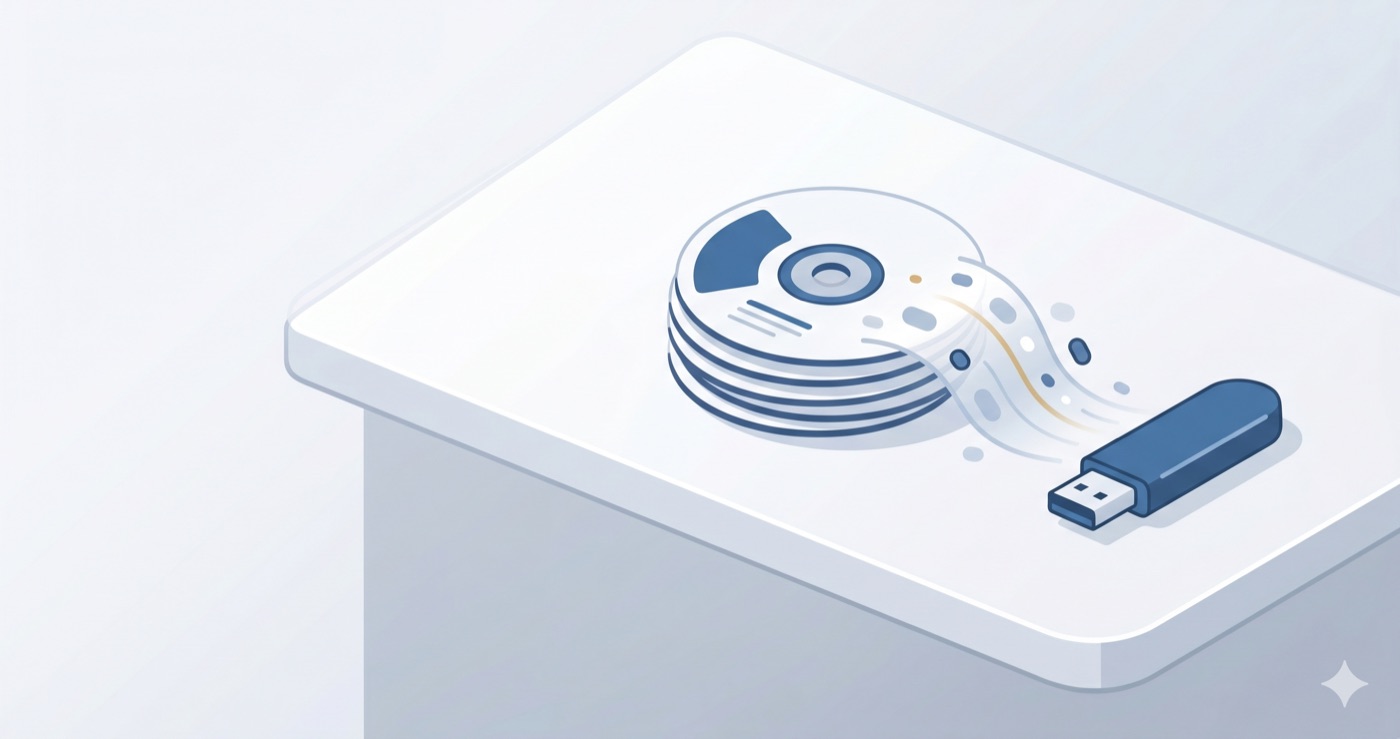
You walked out of the hospital with a paper folder, a shiny disc, and a long list of instructions. Months later, a new doctor asks to see "the actual images" from your scan. You hand over the disc. It won't open. Or the printed films are too small to tell anyone much. And the hospital that made them is an hour away, with a phone line that keeps you on hold.
If this sounds familiar, take a deep breath. None of this is your fault. The good news is simple and powerful: those images are yours. You have a right to them, and you can take ownership of them in a way that makes every future appointment easier. This is a practical guide to doing exactly that.
Your Images Are Yours — Here's Why That Matters
In the United States, a federal law called HIPAA gives you the right to get copies of your own medical records, including your imaging — CT scans, MRIs, X-rays, ultrasounds, and more. You can ask for them, and the hospital is expected to provide them.
Many other countries have similar patient-access rights built into their own health laws. The details differ from place to place, so if you live outside the U.S., it's worth checking with your local health authority or hospital patient-services office to learn how to make a request where you are.
One important note: this article is general information, not legal advice. Rules change and vary by location. But the spirit is the same almost everywhere — your health information is meant to be available to you.
How to Request Copies the Right Way
When you ask for your imaging, the words you use make a big difference. Many people are handed printed film or a one-time disc that turns out to be hard to use later. Here's how to ask for something that actually works.
Ask for the DICOM files on a USB drive. DICOM is the standard format that radiologists and imaging viewers use. It carries the full, original images — not a flattened picture or a printout. A USB drive is more reliable and longer-lasting than a disc, and most newer computers can read it easily.
Put your request in writing if you can. Ask the medical records or imaging department for "a copy of my complete imaging study in DICOM format on a USB drive." Being specific helps the staff give you the right thing the first time.
Ask for every study, not just the latest one. If you've had several scans over the years, request all of them. A complete history helps doctors see how things have changed over time.
It's normal to feel shy about asking. You're not being difficult. You're being a good steward of your own health.
Keep the Original — and a Backup
Once you have your images, treat them like the important documents they are. Keep the original USB drive or disc somewhere you'll remember. Then make a backup — copies can be lost, damaged, or misplaced, and a second copy on your own computer means you're never starting from zero. This single habit, original plus backup, saves a remarkable amount of stress down the road.
Bring Everything Together — From Every Hospital
Here's where many people get stuck. Over the years, scans pile up from different hospitals, clinics, even different cities. Each one comes on its own disc, in its own format, with its own quirks. When a new specialist wants the full picture, you're left juggling a drawer full of mismatched discs.
This is exactly the problem MIA Toolkit was built to solve. It's a free desktop app for Mac and Windows. It copies your hospital imaging discs onto your computer, builds a plain, readable list of every study you have, and then assembles a single, standards-compliant archive on one USB drive. That archive uses the same DICOM format radiologists rely on — so a doctor's imaging system or viewer can open it without a fuss. In short, it turns a drawer of confusing discs into one tidy USB drive you can hand to any doctor.
Your privacy is protected by design. MIA Toolkit works fully offline. There's no account, no cloud, and no tracking. Your images and information never leave your computer. What's yours stays yours.
It's free, and it always will be. If it helps you and you'd like to support the project someday, that's welcome — but never required.
Bring Your Images to Every Appointment
The final step is the simplest: carry your consolidated USB drive with you. New doctor, second opinion, emergency visit, a move to another city — whatever comes, you arrive ready. You hand over one clean archive, and the conversation can start right away. That's what taking ownership really feels like: calm, prepared, and in control of your own story.
A Note on What This Tool Does
MIA Toolkit helps you organize and deliver your own medical images. It does not read or interpret images, it is not a medical device, and it is not a substitute for review by a qualified radiologist or doctor. It comes with no warranty. For anything about diagnosis or treatment, rely on your healthcare professionals.
If you'd like to bring your own images together in one place, you can download MIA Toolkit for free. Questions? Reach us at support@miatools.tech.
FAQ
Do I really have a right to my own medical images? In the United States, HIPAA gives you the right to copies of your records, including imaging. Many other countries have similar patient-access rights. Check with your local health authority or hospital patient-services office to learn the process where you live. This is general information, not legal advice.
Why ask for DICOM files instead of printed film? DICOM is the full, original format that doctors' imaging viewers use. Printed film and one-off discs can be hard to open or share later. DICOM files on a USB drive give you something reliable and widely usable.
Is MIA Toolkit safe for my private information? Yes. It runs entirely offline on your own computer. There's no account, no cloud upload, and no tracking. Your images and information never leave your machine.
Does it tell me what my scan shows? No. It only helps you copy, organize, and deliver your images. It does not interpret them and is not a medical device. Always rely on a qualified doctor or radiologist for any reading or diagnosis.