Bring Previous Mammograms to Your Appointment: Why Comparison Matters
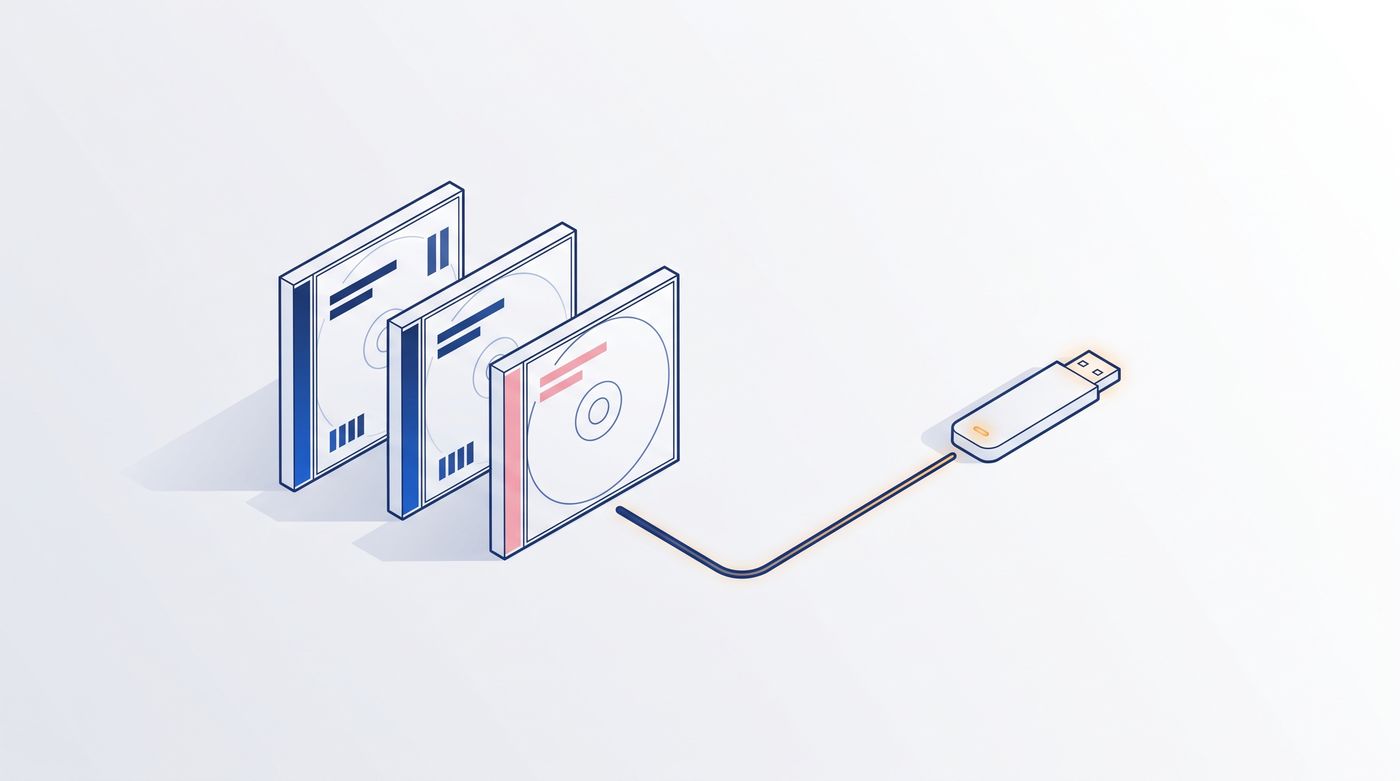
Leer en español: Lleva tus mastografías anteriores.
If you are booking a mammogram this October, here is one small thing that can make it more useful: bring your previous mammograms, especially if you are going to a different place than last time.
It sounds like paperwork. It is not. For a radiologist reading a mammogram, the earlier images are often the most helpful thing in the room.
Why the radiologist wants your old mammograms
A mammogram is read in two ways at once. The radiologist looks at today's images on their own, and they also compare them with your earlier ones. Everyone's breast tissue is different, and what is normal for you is something only your own history can show.
Comparison answers questions that a single set of images cannot:
- Was this here before? Something that has looked the same for years tells a very different story from something new.
- Has anything changed? Small changes in size, shape or density are much easier to see side by side.
- Is this just how your tissue looks? Your earlier images show your own normal.
That is why the American Cancer Society suggests going to the same facility every year when you can, and, if you change facilities, bringing your old mammograms or having them sent ahead so they can be compared with the new ones (American Cancer Society).
What the comparison means for you is a question for your radiologist and your doctor. Our job here is only to help you get the images into their hands.
Where your earlier mammograms usually are
Most people have had mammograms at more than one place over the years: a hospital, a mobile unit, a clinic near an old job. Your earlier images may be:
- On a CD or DVD the center gave you after the exam, perhaps in a drawer.
- In the center's own archive, which you can ask them to copy for you. (Ask for the images, not only the written report.)
- On a USB drive or a download link some centers now give instead of a disc.
- On film, if they are old. Ask the facility how they send film images; some can digitize them.
Call your previous centers early. Copies can take days to arrive, so it is worth asking a week or two before your appointment.
Step 1: Check what is on each disc
Before the appointment, make sure the discs actually contain images. You do not need to look at the pictures; you only need to see that the files are there.
- On a Mac: insert the disc (many Macs need a USB disc drive). Its icon appears on the desktop or in the Finder sidebar. Double-click it to open it as a folder, and ignore any program that tries to start.
- On Windows: insert the disc. If a window asks what to do, choose Open folder to view files. If nothing happens, open File Explorer and click the disc drive (often D: or E:).
Look for a file called DICOMDIR or a folder named DICOM or IMAGES. If you see them, your mammogram images are there. If the disc's own viewer will not start, that is common and does not mean the images are lost. (More on discs that won't open on a Mac.)
Step 2: Put every mammogram on one USB
If you have two or three discs from different places, the new center may have to load each one separately, and some may not load at all. One tidy USB is easier for everyone.
That is what MIA Toolkit is for. It is a free desktop app for Mac and Windows. You insert your discs one by one, and it copies the studies onto your computer, shows you a simple inventory of what each disc contained, and writes everything to one USB drive with a standard index file (DICOMDIR) that imaging systems are designed to open.
You can also add your written mammogram reports to the same USB, so the images and the words travel together. (How to share that USB with your doctor.)
What to bring on the day
- The USB with your earlier mammograms, and the original discs as a backup.
- A short list of past mammograms, biopsies or breast procedures, with places and dates.
- Any written reports you have.
Tell the front desk when you check in that you brought prior images, so they can be loaded before the radiologist reads your new mammogram. If your center prefers to request the images directly from your previous facility, follow their process. That is fine too.
Your images stay private
MIA Toolkit works offline. There is no account, no cloud upload and no tracking. Your mammograms never leave your computer; you are copying your own files onto a USB you control. It is free, and it always will be.
What this tool is, and what it is not
MIA Toolkit is a file-management tool: it copies, organizes and converts your imaging studies so you can carry them. It does not read or interpret images, and it does not replace your radiologist or your doctor. It comes with no warranty. If you have questions about your breast health, your results, or when to get screened, talk to your doctor.
When you are ready, you can download MIA Toolkit for free, and there is a step-by-step guide with screenshots. More guides for patients are on the patients page. Questions are welcome at support@miatools.tech.
FAQ
Should I bring previous mammograms to a new imaging center? Yes, if you can. Radiologists compare your new mammogram with earlier ones to see what has changed and what has stayed the same. The American Cancer Society recommends bringing old mammograms or having them sent ahead when you switch facilities.
Is the written report enough, or do they need the images? Ask your new center, but the images are usually what makes a side-by-side comparison possible. Ask your previous facility for a copy of the images as well as the report.
My old mammogram disc won't open. Are the images lost? Usually not. The program on the disc is often what fails, not the images. Open the disc as a folder and look for a DICOMDIR file or a DICOM folder. MIA Toolkit can copy the studies from the disc onto one USB.
Is it safe to put my mammograms on my computer? MIA Toolkit runs entirely offline, with no account and no cloud. The images stay on your computer and on the USB you create. Keep the USB somewhere safe, as you would any medical record.